Best Ways to Promote Digital Products on Pinterest in 2026
Want more sales from Pinterest? Discover proven strategies to promote your digital products in 2026 — including keyword research, pin design tips, and tools that cut your content creation time in half.
PINTEREST MARKETING
Best Ways to Promote Digital Products on Pinterest in 2026
So, you've created a digital product. Maybe it's an eBook, a Notion template, a Lightroom preset pack, or a cute set of Canva social media graphics. You're proud of it — rightfully so. But now comes the part nobody warns you about: actually getting people to find it and buy it.
Google SEO takes months. Instagram feels like shouting into the void. But Pinterest? Pinterest is quietly printing money for digital product sellers who know how to use it. And in 2026, the platform has only gotten more powerful for this exact purpose. Let me walk you through exactly how to make it work for you.
Why Pinterest Is a Gold Mine for Digital Products
Here's the thing most people miss: Pinterest is a search engine, not a social media platform. Users aren't scrolling to see what their friends had for brunch — they're actively searching for solutions, ideas, and products to buy. That's buyer intent, and it's incredibly valuable.
Digital products are a perfect match because:
No shipping, no inventory — the pin goes straight to a checkout or landing page
Evergreen traffic — a great pin from 18 months ago can still drive sales today
Visually driven — digital products like planners and templates look amazing as lifestyle mockups
Your audience is already in "planning and purchasing" mode
FYI, Pinterest users spend more per order than shoppers from most other social platforms. That should make your ears perk up. :)
Step 1: Nail Your Pinterest SEO Before You Pin Anything
Tools like PinCraft AI can scan your product URL and suggest high-traffic keywords automatically — a huge time-saver when you're managing a large catalog.
Research Keywords Like a Pro
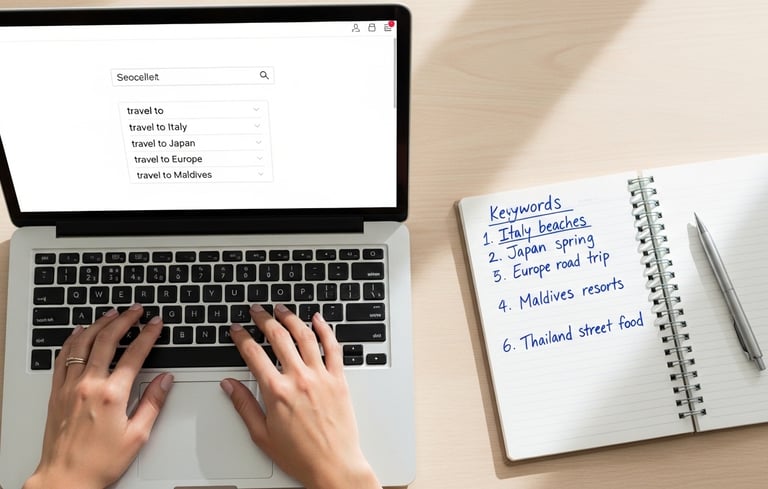
Type your product niche into the Pinterest search bar and watch what autocompletes. Those suggestions? That's exactly what your audience is searching for. Use those phrases in your:
Pin titles
Pin descriptions
Board names and board descriptions
Your profile bio
For example, if you sell Notion productivity templates, you're not just targeting "Notion template." You're targeting phrases like "Notion template for students," "aesthetic Notion dashboard 2026," and "free Notion productivity system."
Use Long-Tail Keywords Naturally
Don't keyword stuff — nobody wants to read a description that sounds like a robot vomited a list of search terms. Write your descriptions conversationally while weaving in 5–7 relevant keywords. Tools like PinCraft AI can scan your product URL and suggest high-traffic keywords automatically — a huge time-saver when you're managing a large catalog.
Step 2: Create Pins That Actually Stop the Scroll
Your pins compete with thousands of others in the same feed. The bar is high. The good news? You don't need to be a professional designer to clear it.
The Anatomy of a High-Converting Pin
A great pin for a digital product has three non-negotiables:
A compelling visual — either a lifestyle mockup showing your product in use, or a clean, bold graphic
Text overlay — a punchy headline that communicates value immediately (e.g., "50 Canva Templates — Instant Download")
A clear CTA — "Get it now," "Free download," "Shop the bundle"
Mockup Magic: Show, Don't Just Tell
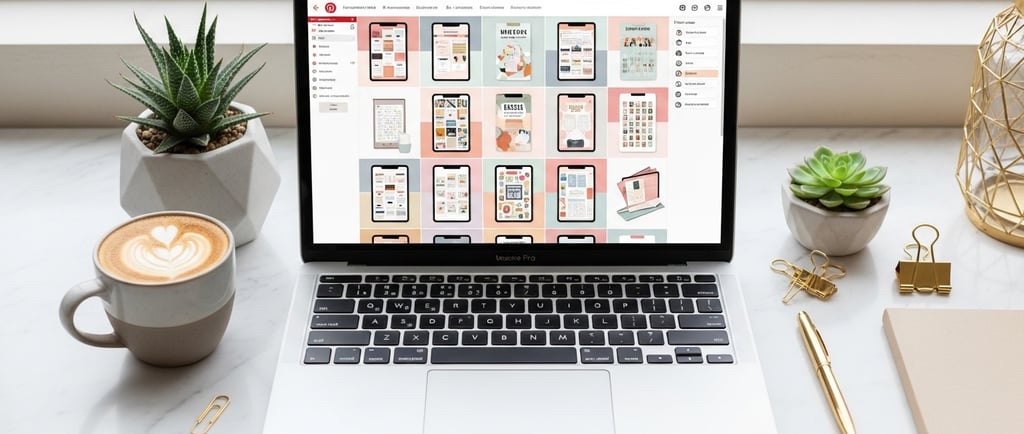
This is where most digital product sellers leave serious money on the table. A flat screenshot of your planner PDF is fine. But a mockup showing that same planner open on a MacBook in a cozy coffee shop? That sells.
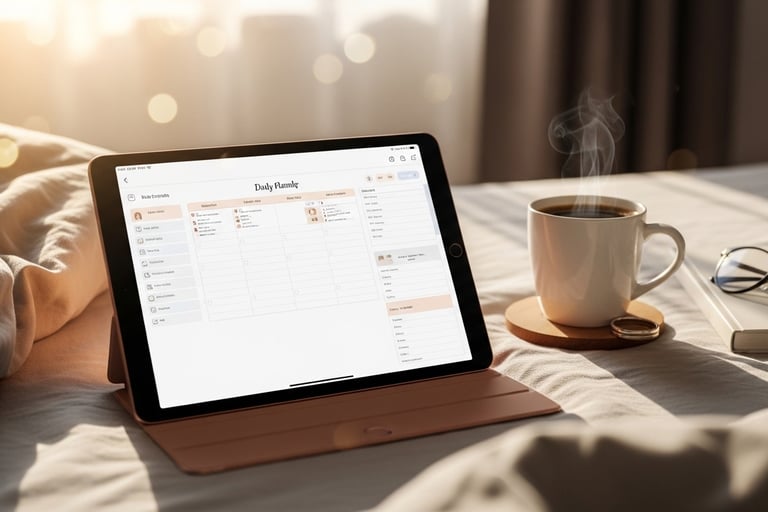
Lifestyle mockups trigger an emotional response — the buyer pictures themselves using your product. Tools like PinCraft AI's Mockup Studio let you drop your product image into scenes like "Cozy Morning," "Professional Office," or "Nature/Outdoor" without needing a single photo shoot.
Batch Create or Get Left Behind
Here's a reality check: Pinterest rewards consistency. Pinning once a week won't cut it if you're trying to build momentum. The creators seeing real growth are publishing multiple pieces of fresh content weekly. That sounds exhausting until you discover batch generation.
Upload a list of your product URLs, select your tone and aesthetic, and generate 20 SEO-optimized titles, descriptions, and image prompts at once. What used to take a full afternoon now takes minutes. Work smarter, not harder — that's the whole game in 2026. :/
Step 3: Build a Pinterest Strategy That Compounds
Random pinning is not a strategy. Here's how to build something that actually grows over time.
Organize Boards with Intention
Your boards are essentially categories in Pinterest's search index. Each board should target a specific audience segment or search intent. If you sell digital planners, don't dump everything into one generic "Planners" board. Instead, create:
"Daily Planner Printables for Moms"
"Budget Planner Templates — Free & Paid"
"Aesthetic Notion Planner Dashboards"
"Back to School Planner Ideas 2026"
This signals to Pinterest's algorithm exactly who should see your content — and helps users self-select the boards most relevant to them.
Pin Fresh Content Consistently
Pinterest's algorithm heavily favors fresh content over repins. Creating a new pin image for the same product URL is totally valid — and encouraged. Different angles, different headlines, different seasonal themes — all pointing to the same landing page.
Speaking of seasonal themes: don't sleep on this. A generic pin for your productivity planner is okay. That same planner repackaged with a "New Year Reset" or "Back to School" theme? That's what gets picked up in seasonal searches and drives massive traffic spikes.
Respect the Spam Rules
One trap people fall into: pinning the same URL over and over in a short window. Pinterest will flag your account for spammy behavior, and that tanks your reach fast. A minimum 7-day cooldown between generating fresh content for the same URL is a smart standard. Tools like PinCraft AI's Smart Scheduler build this tracking in automatically so you never accidentally trigger a spam flag.
Step 4: Drive Traffic That Actually Converts
Getting views is one thing. Getting clicks that turn into sales is the real goal. Here's how to close the gap.
Optimize Your Landing Page for Pinterest Traffic
Pinterest users are visual, in discovery mode, and often browsing on mobile. Your landing page needs to:
Load fast — if it takes more than 3 seconds, you've already lost them
Match the visual aesthetic of the pin they clicked
Have a single, prominent CTA — no confusing menus or 12 different options
Show social proof — reviews, download counts, testimonials
Use Rich Pins for Product Listings
If you sell through Etsy, Shopify, or your own site, enable Rich Pins. These pull real-time pricing, availability, and product details directly into the pin. Rich Pins earn higher organic reach and look more professional — it's free to set up and takes about 20 minutes. Zero excuses.
Retarget Your Pinterest Audience
Pinterest's ad platform has gotten significantly more sophisticated in 2026. Even if you're not running paid ads yet, install the Pinterest Tag on your site today. It tracks visitors and builds audiences you can retarget later. When you're ready to put budget behind your best organic pins, you'll already have warm audience data ready to go.
Step 5: Analyze, Iterate, and Double Down
IMO, the biggest mistake Pinterest marketers make is ignoring their analytics. You don't need to stare at dashboards all day — a 15-minute weekly review is enough to change your results completely.
What to Track
Impressions — how many people saw your pins
Outbound clicks — how many people actually visited your site
Click-through rate (CTR) — the ratio that tells you if your pin is compelling enough
Top-performing pins — find your winners and replicate them
If a pin is getting tons of impressions but low CTR, your visual or headline isn't compelling enough. If it's getting clicks but no sales, your landing page is the problem. Data tells you exactly where to fix things — you just have to look.
Clone Your Winners
Found a pin style that's performing well? Make more of it. Different product, same format. Different headline, same aesthetic. This isn't lazy — this is what smart marketers do. Why reinvent the wheel when you've already found what works?
Wrapping It Up
Pinterest in 2026 is still one of the most underused platforms for digital product sellers — which honestly just means less competition for you. The formula isn't complicated: strong SEO, scroll-stopping visuals, consistent fresh content, a landing page that converts, and regular analytics check-ins.
The creators winning right now aren't necessarily the most talented. They're the ones who built a repeatable system — one that makes publishing quality content at volume feel effortless. Whether you're using PinCraft AI to batch-generate everything or building your own workflow from scratch, the key is consistency and iteration.
Ready to skip the manual grind? Grab your PinCraft AI license at buy.pincraft.com and start generating a month's worth of Pinterest content today.